The Boring Security Checklist That Would Have Saved Most Businesses From Their Worst Day
Seven simple security habits, a 30-day plan and a self-check that protect growing businesses from ransomware, phishing and data loss.

8 min read
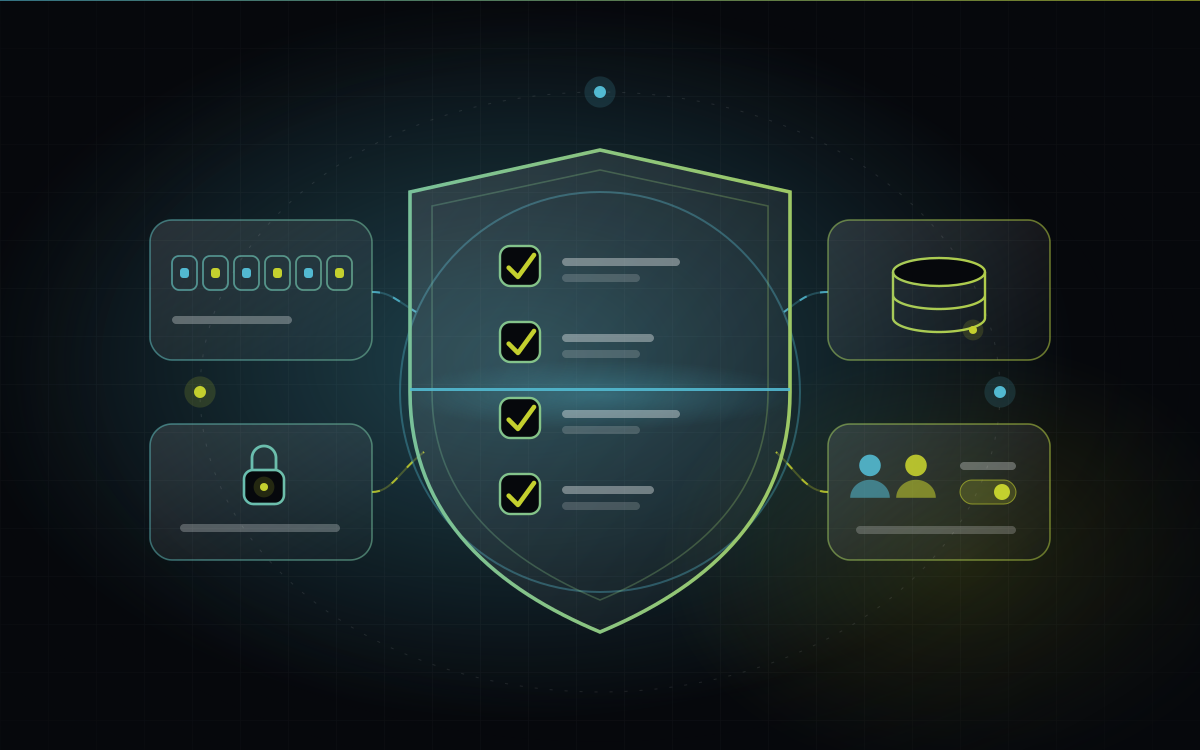
Table of contents
When we picture a cyberattack, we imagine a hooded hacker, green code scrolling down a dark screen, a dramatic breach.
Reality is far more ordinary. For most growing businesses, “the worst day” looks like this: an accounts person clicks a link in an email that looked like a courier notice. Or a password used for five different services leaks from one of them. Or the only laptop holding last year’s data stops working, and the “backup” turns out to be three months old. Or an employee who left last year still has access to everything.
None of these needs a genius attacker. All of them are preventable with boring, unglamorous basics. This post is that checklist, written for business owners, not IT departments.
The short version
Most business security failures come from basic gaps, not sophisticated attacks.
Seven habits cover the majority of real-world risk: tested backups, strong logins, limited access, updates, phishing awareness, a secured website and cloud, and a written “what if” plan.
You can build a solid foundation in 30 days without a big budget.
A backup you’ve never restored is a hope, not a backup.
“But we’re too small to be a target”
This is the most common belief and the most dangerous one.
Many attacks aren’t personal. They’re automated: software scanning the internet for weak passwords, outdated systems and exposed logins, regardless of who owns them. Smaller businesses are attractive precisely because they tend to have fewer protections, while still holding things worth taking: customer data, bank access, and operations that can’t afford to stop.
So the question isn’t “would anyone target us?” It’s “would we survive a bad week if something went wrong?”
The seven basics
1. Backups you’ve actually restored
A widely used rule of thumb is 3-2-1: three copies of your data, on two different types of storage, with one copy kept somewhere else (offsite or in the cloud, and ideally disconnected from your main network).
But here’s the part most people skip: test a restore. At least a couple of times a year, actually recover a file or a system from backup and check it works. Plenty of businesses discover their backups were incomplete or corrupted only when they urgently need them.
2. Strong, unique logins with a second step
Use a password manager so every account has a long, unique password nobody has to remember.
Turn on multi-factor authentication (MFA), the second step like a code on your phone, for email, banking, accounting software, cloud storage and any admin panel.
Email matters most. Whoever controls your email can reset almost every other password you own.
3. Give people only the access they need
Not everyone needs to see everything. Limit access to what each role requires, avoid shared logins (they hide who did what), and, importantly, remove access the day someone leaves. Old accounts of former employees are a quiet, common weak point.
4. Keep things updated
Updates often contain fixes for known security holes. Attackers actively look for businesses running old versions. That includes operating systems, accounting software, your website platform and its plugins, and even your office router.
Switch on automatic updates wherever you safely can, and retire software that no longer receives them.
5. Train your team to spot phishing
Phishing means fake messages designed to trick someone into clicking, logging in or paying. Teach your team five signs:
Urgency or fear: “Act now or your account will be closed.”
Unexpected attachments or links, even from names you know.
Slightly wrong sender details, like an email address that’s one letter off.
Requests to change bank details or make an urgent payment.
Anything that makes you skip your normal process.
Adopt one golden rule: if someone asks to change payment details, confirm by calling a number you already have, never the one in the message. This single habit stops a painful kind of fraud where criminals imitate suppliers or executives.
6. Secure your website and cloud accounts
Your website and online tools are part of your business premises. Check that:
The site runs on HTTPS and its platform and plugins are up to date.
Admin panels use strong logins with MFA, and the number of admin users is small.
Databases and storage aren’t publicly exposed to the internet.
Secret keys and passwords aren’t sitting in code or shared in chat messages.
You know who has access to your hosting, domain and cloud accounts, and that you, the owner, can always get in.
7. Write the “what if” plan
When something goes wrong, nobody thinks clearly. A one-page plan written in advance turns panic into a checklist:
Who do we call first (IT partner, bank, key vendor)?
How do we disconnect affected devices?
Where are the backups and who can restore them?
Who talks to customers and staff, and what do they say?
Print it. Keep a copy that doesn’t depend on your computers working.
A word on ransomware
Ransomware locks your files and demands payment to unlock them. It’s the scenario most owners fear, and the defences are largely the basics above:
Backups kept offline or protected from change, so attackers can’t encrypt them too.
MFA and strong passwords, to make break-ins harder.
Updates, to close the doors attackers use.
Careful email habits, since phishing is a common way in.
Paying doesn’t guarantee you get your data back, and it can invite more attacks. Good backups mean you don’t have to find out.
Customer data and the law
If you collect personal data, such as customer names, phone numbers, addresses or payment details, you carry responsibility for protecting it. India’s Digital Personal Data Protection Act, 2023 sets out obligations for how organisations handle personal data. The rules and timelines continue to develop, so speak with a legal professional about what applies to your business.
The practical takeaway for now: know what personal data you hold, where it lives, who can access it, and how you’d respond if it leaked.
Your 30-day plan
You don’t have to do everything at once. Here’s a realistic month:
Week 1: Know what you have.
List your important systems, accounts and where data lives.
Check your backups exist. Restore one file as a test.
Week 2: Lock the doors.
Set up a password manager and begin moving accounts over.
Turn on MFA for email, banking, accounting and admin accounts.
Remove access for anyone who no longer needs it.
Week 3: Patch and prepare.
Run updates on computers, software, website and router.
Hold a 30-minute team session on the five phishing signs and the payment-change rule.
Week 4: Plan and rehearse.
Write the one-page “what if” plan.
Do a proper restore test and note how long it takes.
Quick self-check
How many can you honestly answer yes to?
We have at least three copies of important data, one stored offsite
We have tested restoring from backup in the last six months
Everyone uses unique passwords, ideally via a password manager
MFA is on for email, banking and admin accounts
Access is removed immediately when someone leaves
Our systems and website are kept updated
Our team knows the signs of phishing
We confirm payment changes by phone using a known number
We have a written plan for what to do if something goes wrong
8 to 9: Strong foundation. 5 to 7: Good start, close the gaps. Below 5: Start with backups and MFA this week.
Frequently asked questions
It’s a useful layer, but not enough on its own. Most real incidents involve stolen passwords, phishing or unpatched software, which antivirus alone doesn’t solve.
The bottom line
Security isn’t about being impossible to attack. It’s about being a harder target than the next business, and being able to recover quickly when something does go wrong.
The seven basics above won’t make headlines. That’s exactly the point. The best security story is the one that never becomes a story.
Want a second pair of eyes on your setup? At BeMotion, we can review your systems, website and backups, and give you a plain-language list of what to fix first.
Written by
BeMotion Nova Labs
Software, intelligent systems and technology solutions built for ambitious businesses.
View all articles by BeMotion Nova LabsReady to get started?
Let's talk about what you want to build.
Tell us where you are and where you want to get to. We will reply with honest next steps.
Discuss your project